Screen Recorder - Record Video
Kevin's Lab
Downloads
5,000,000+
Version
Latest
Click to download now, finish the installation quickly, and directly unlock the all-round experience
Screenshots



Click to download now, finish the installation quickly, and directly unlock the all-round experience
Screen Recorder - Record Video is made for capturing what happens on your phone. It suits people recording gameplay, app demonstrations, video calls, tutorials, or short clips for sharing. A floating control gives you a quick way to start recording, while the control can hide during capture so it stays out of the way.
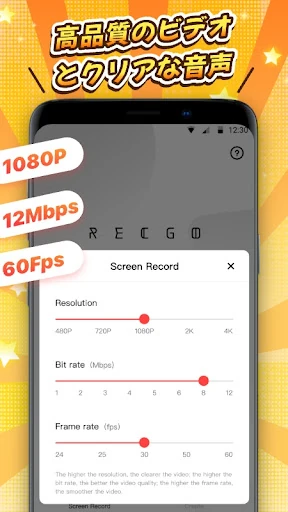
The recorder supports portrait, landscape, and automatic orientation modes. You can make recordings with internal audio on compatible devices running Android 10 or newer, and it also supports microphone audio. Recordings can be made without a visible watermark or a recording time limit, making the app useful for both brief clips and longer walkthroughs.
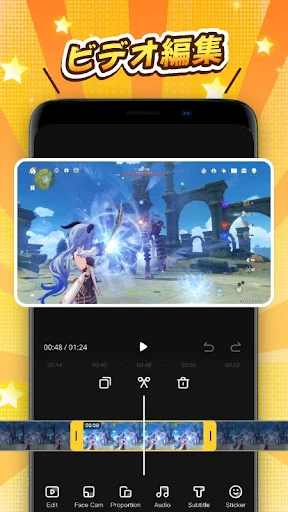
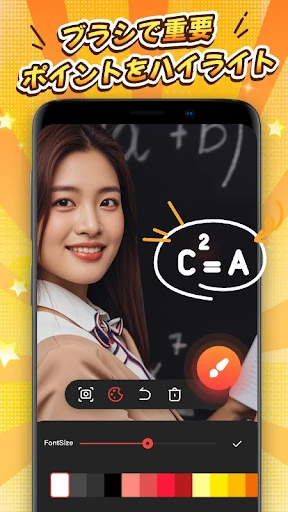
Basic editing tools are included for cleaning up and adapting your recordings. Trim or crop a clip, join several videos, rotate or reverse footage, and adjust the volume or aspect ratio. You can also add text, stickers, music, sound effects, and filters. A face camera option places your reactions in the recording, while the drawing tool helps mark or explain parts of the screen.
With a 4.1 rating from 84,949 reviews and more than 5,000,000 installs, this is an established choice in the Video Players & Editors category. It is developed by Kevin's Lab. Choose it if you want screen capture, audio options, face reactions, screenshots, and simple editing in one app rather than a recorder that only saves raw footage.