Click to download now, finish the installation quickly, and directly unlock the all-round experience
Screenshots
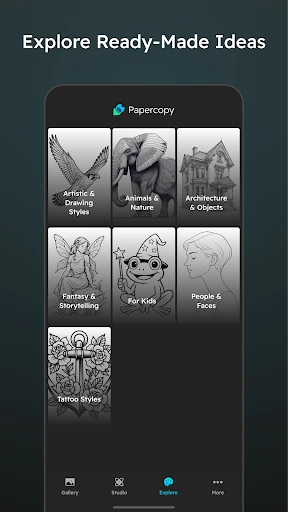
Click to download now, finish the installation quickly, and directly unlock the all-round experience
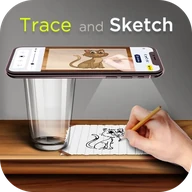
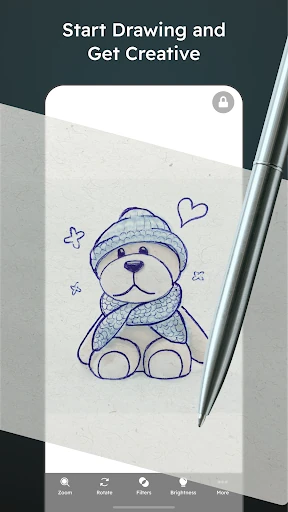
Papercopy - Tracer helps you copy a digital image onto paper by displaying it on your phone or tablet while you draw over the screen. It suits beginners learning to sketch, hobby artists working from references, students practising outlines, and anyone who wants a simple alternative to printing an image or using a separate lightbox.
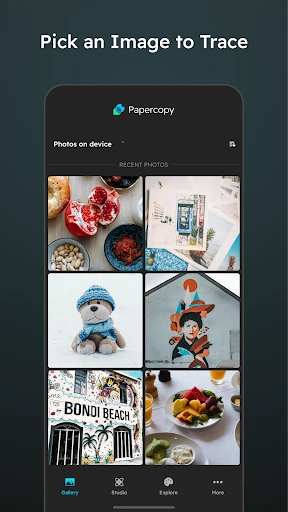
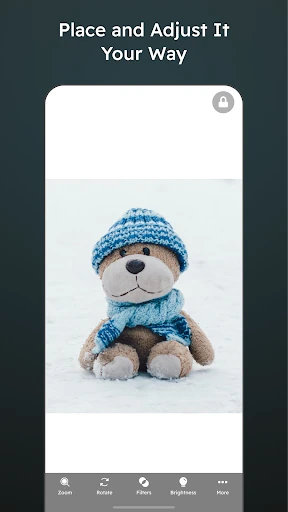
Choose an image, then adjust it to fit the paper and drawing area. You can zoom, rotate, and move the reference until the placement feels right. Image adjustments also help make outlines easier to see through the paper, which is useful when working with different paper weights or more detailed subjects.
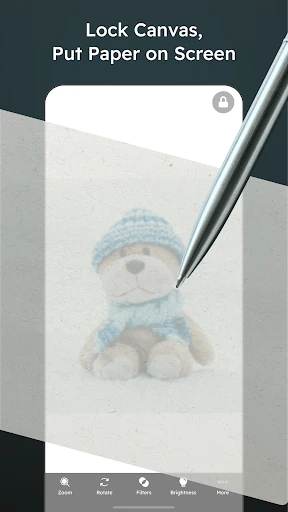
Once the reference is positioned, the screen-lock function prevents accidental touches from shifting it while you work. That makes it possible to rest your hand near the display and concentrate on the physical drawing rather than constantly correcting the image. The workflow is deliberately direct: open a reference, arrange it, lock the display, and trace.
The app keeps its purpose narrow, which makes it easy to approach without learning a full digital drawing suite. Its main limitation is the size of the device screen, so it is better suited to smaller paper and individual elements than large-format work. Avoid pressing sharp tools directly against the display. With a 4.45 rating from 6,381 reviews and 1,000,000+ installs, Papercopy - Tracer has found a broad audience for this straightforward drawing aid. It is developed by Durica Micunovic.