Click to download now, finish the installation quickly, and directly unlock the all-round experience
Screenshots


Click to download now, finish the installation quickly, and directly unlock the all-round experience
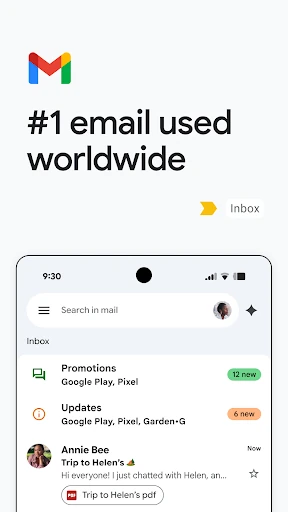
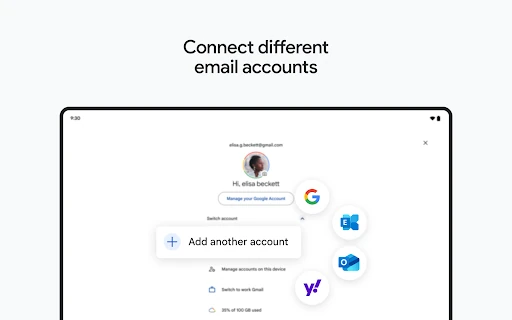
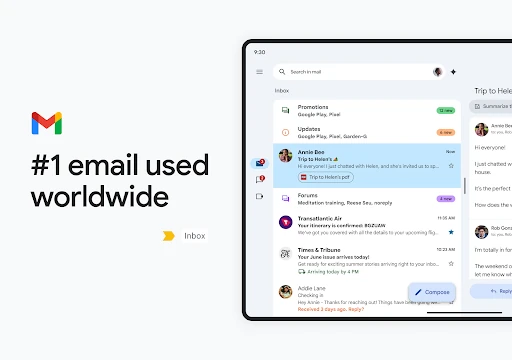
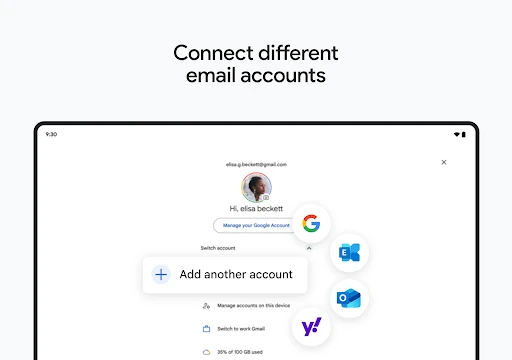
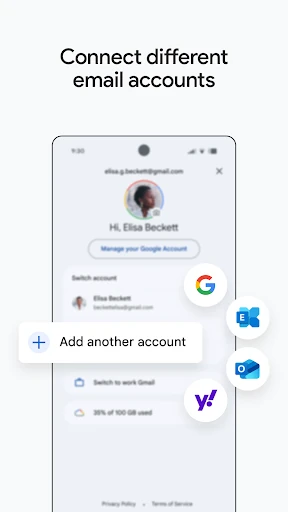
Gmail is Google’s email app for reading, sending, organising and searching messages on Android. It suits anyone who manages personal correspondence, school or work email, from a single inbox. Support for multiple accounts also makes it useful when you need to keep different addresses in one place.
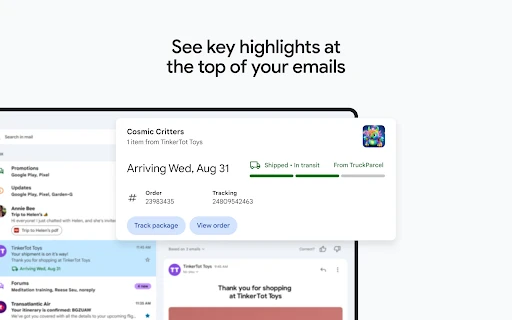
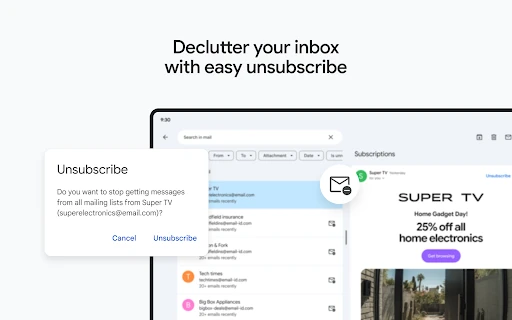
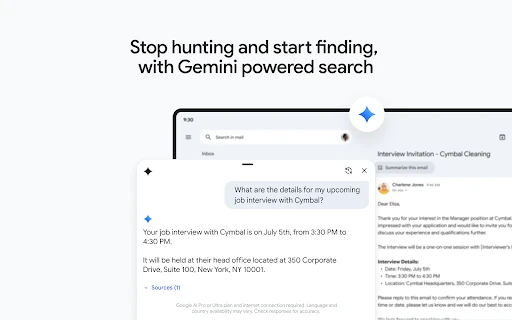
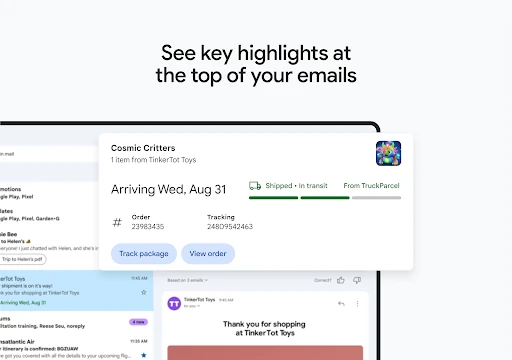
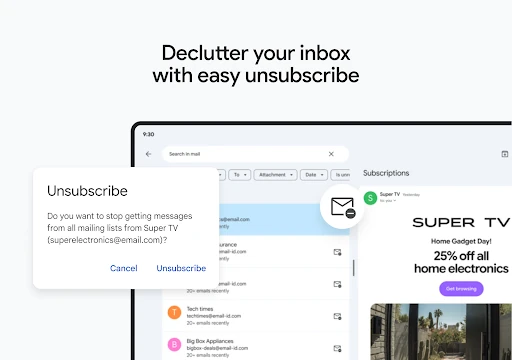
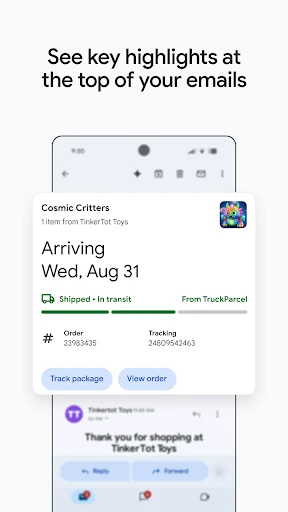
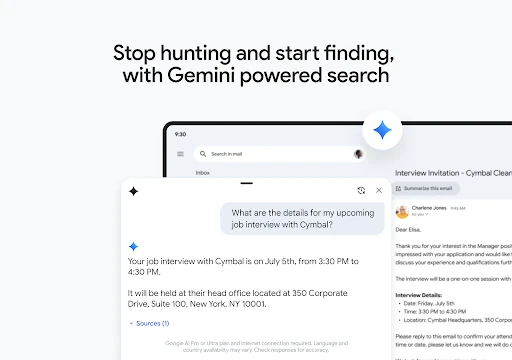
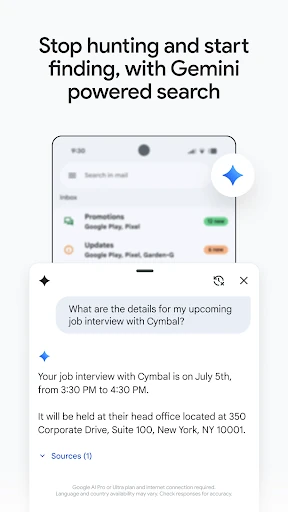
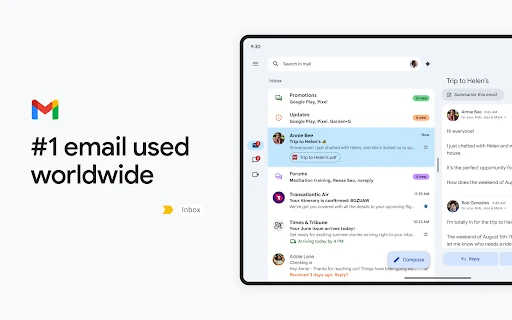
The app is built around quick handling of messages. You can search through older conversations, archive items, unsubscribe from unwanted mailing lists and use swipe gestures to manage the inbox. Gmail can also surface useful information from messages, such as travel plans or delivery updates, so key details are easier to find without opening every thread.
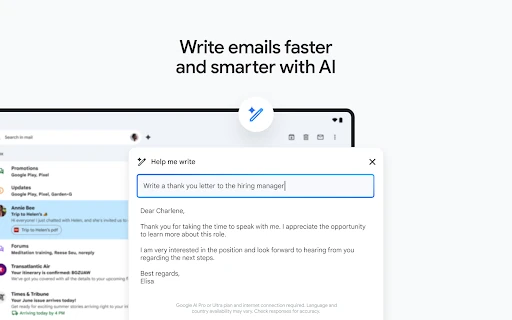
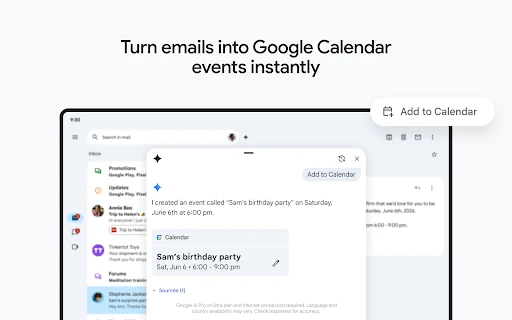
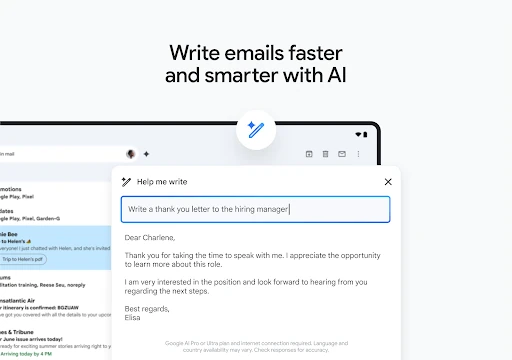
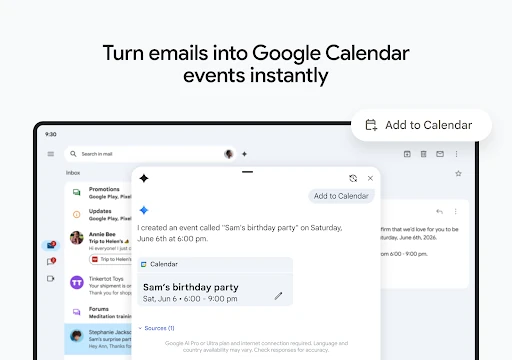
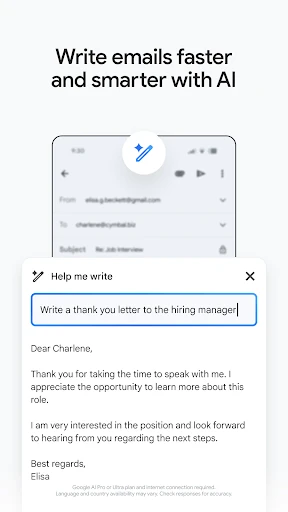
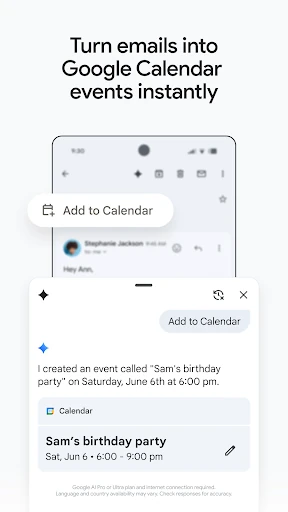
Gmail works alongside Google services including Calendar, Meet and Chat. That gives users a direct path from an email to a meeting, conversation or scheduled event. Writing assistance and suggested replies can help with short responses, while the familiar layout keeps the main email tasks separate from these additional tools.
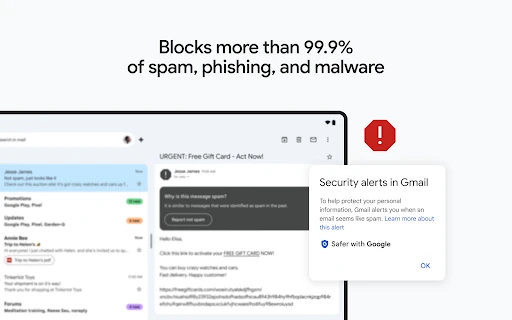
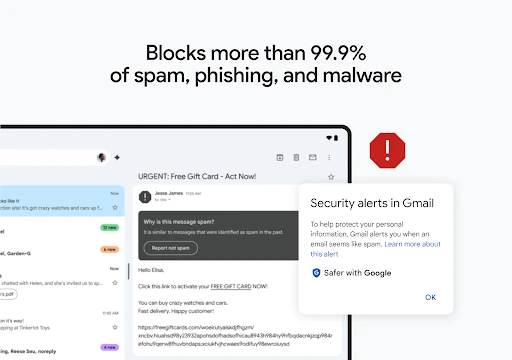
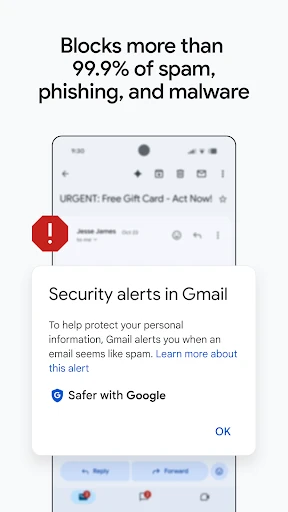
Spam, phishing and malware filtering is a central part of the experience, helping protect the inbox from suspicious messages before they become a distraction. Gmail is published by Google LLC in the Communication category and holds a 4.11/5 rating from more than 14.1 million reviews. With 10 billion-plus installs, it is designed for people who want a well-established email service that works across a large Google account ecosystem.